
Official installation options
Download STBEmu Free or STBEmu Pro
Use the official app listing whenever it is available on your device. The Free and Pro editions use the same portal connection method. The Free edition displays advertisements, while Pro removes them.
STBEmu Free
No purchase requiredUse the advertisement-supported edition to check whether STBEmu works correctly with your Android device and portal profile.
- Stalker portal profile support
- Virtual MAC configuration
- Suitable for an initial compatibility check
- Displays advertisements during use
STBEmu Pro
Paid, advertisement-freeChoose STBEmu Pro after confirming compatibility if you want the same portal connection without advertisements from the Free edition.
- Stalker portal profile support
- Virtual MAC configuration
- No advertisements from the Free edition
- Purchase handled through Google Play
Download safety: avoid modified “premium unlocked” APK files from unknown sources. Check the developer name, current version, Android requirement, permissions and update date on the official listing before installation.
Choose the right edition
STBEmu Free vs Pro
Start with Free when you only need to verify the device and portal. Pro is more suitable for regular use when you want the same connection method without advertisements.
Feature
Free
Pro
Stalker portal profiles
Yes
Yes
Virtual MAC configuration
Yes
Yes
Advertisements
Displayed
Removed
Purchase required
No
Yes
Stream4K compatibility
Yes
Yes
Includes portal or channels
No
No
STBEmu with Stream4K
Does STBEmu Work With Stream4K?
Yes. Stream4K uses a Stalker portal connection that can be configured inside STBEmu. The setup requires the virtual MAC address displayed in the selected profile and the Stream4K portal URL issued after activation.
MAC-based activation
Submit the address shown inside the profile you intend to use.
Compatibility review
Your device, app and MAC are checked before trial activation.
48-hour test
Eligible users can check one device before selecting a longer plan.
Setup support
Contact support if the registered MAC and active profile do not match.
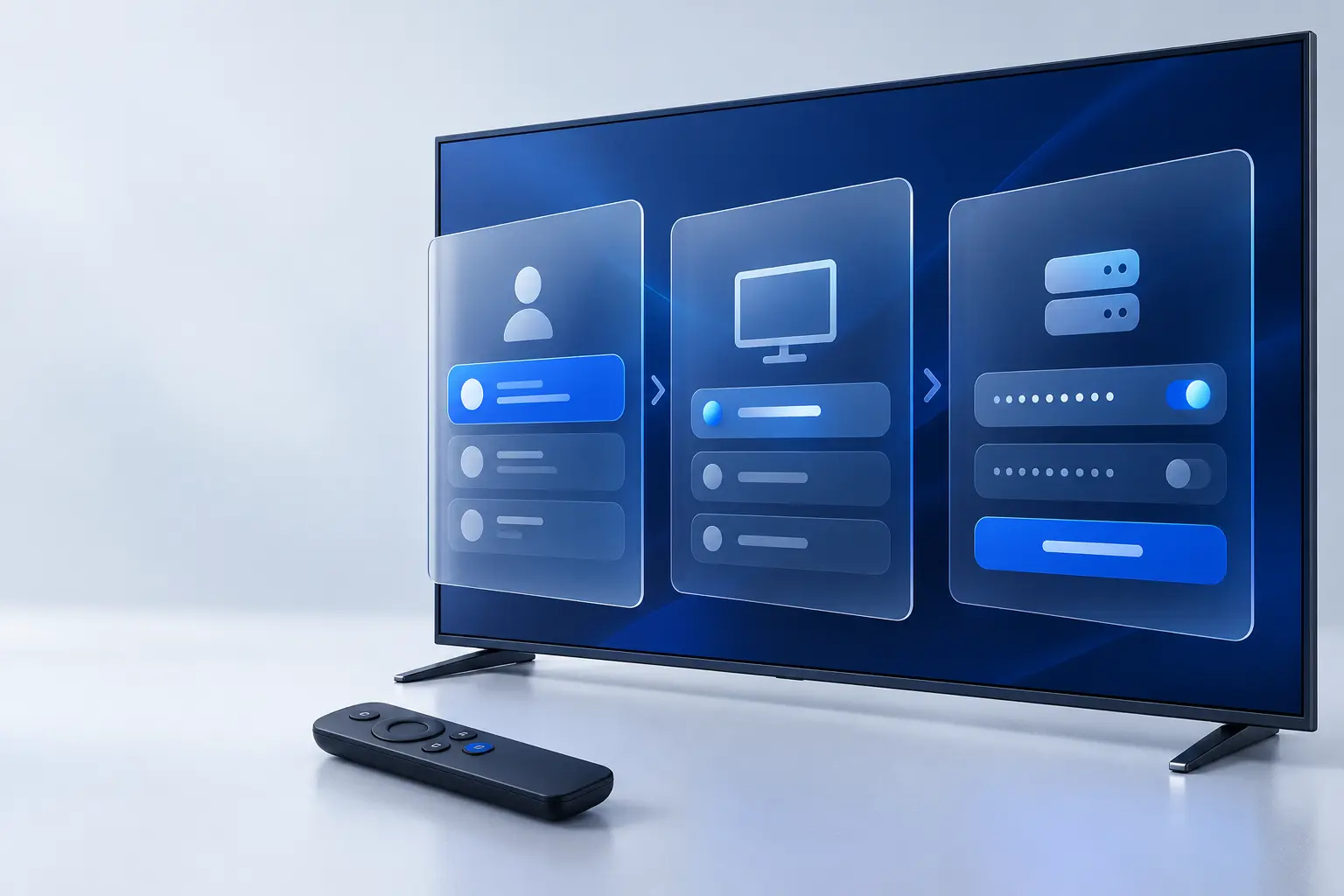
Prepare the correct details
What You Need Before Configuring STBEmu
Have the application, device and activation details ready before editing a profile. This prevents most authorization and portal-loading problems.
- An Android-based device or compatible Fire TV device
- STBEmu Free or Pro installed from a verified source
- A stable internet connection, preferably Ethernet or 5 GHz Wi-Fi
- The virtual MAC address displayed in the selected STBEmu profile
- A compatible Stalker portal subscription
- The exact Stream4K portal URL issued for the registered MAC
Connection type matters: Stream4K uses a Stalker portal and MAC-based activation for STBEmu. An application that asks for an M3U playlist or an Xtream server, username and password is requesting a different login method.
Android TV, TV box and Firestick
How to Install STBEmu
Use the route that matches your device. Menu names can differ by Android or Fire OS version, so confirm the prompts shown on the device instead of relying on an outdated screenshot.
Android TV, Android box, phone or tablet
- Open Google Play on the intended device.
- Search for STBEmu or STBEmu Pro.
- Confirm the developer shown on the official listing.
- Install the app and open its profile settings.
- Allow only permissions required by the installed version.
Amazon Firestick or Fire TV
Availability and installation options can differ by Fire TV model and region. Do not install an unverified modified Pro APK because it is described as free.
Use the dedicated Firestick guide for the CAST4K and STBEmu connection routes.
Read the Firestick GuideProfile configuration
Set Up STBEmu With a Portal URL and MAC Address
Complete these steps in order. The portal will not authenticate if the active profile uses a different virtual MAC from the address registered for the account.
Open Profiles
Open STBEmu, enter Settings and choose Profiles. Select the profile you want to configure rather than changing several profiles.
Settings › ProfilesName the profile
Use a clear name such as “Stream4K Profile.” This makes the correct portal easier to identify when more than one profile exists.
Find the virtual MAC
Open STB Configuration and copy the complete virtual MAC shown in that profile. Compatible portals commonly expect the address to begin with 00:1A:79.
Profile › STB ConfigurationSubmit the MAC
Send that exact address through the Stream4K trial or order process. Do not change it after activation unless support confirms the replacement.
Enter the portal URL
Open Portal Settings and enter the supplied URL exactly, including the protocol, domain, port and path when present. Remove accidental spaces.
Profile › Portal SettingsSave and reload
Save the profile, return to the application menu and choose Reload Portal. If it fails, compare the URL and MAC before reinstalling the app.
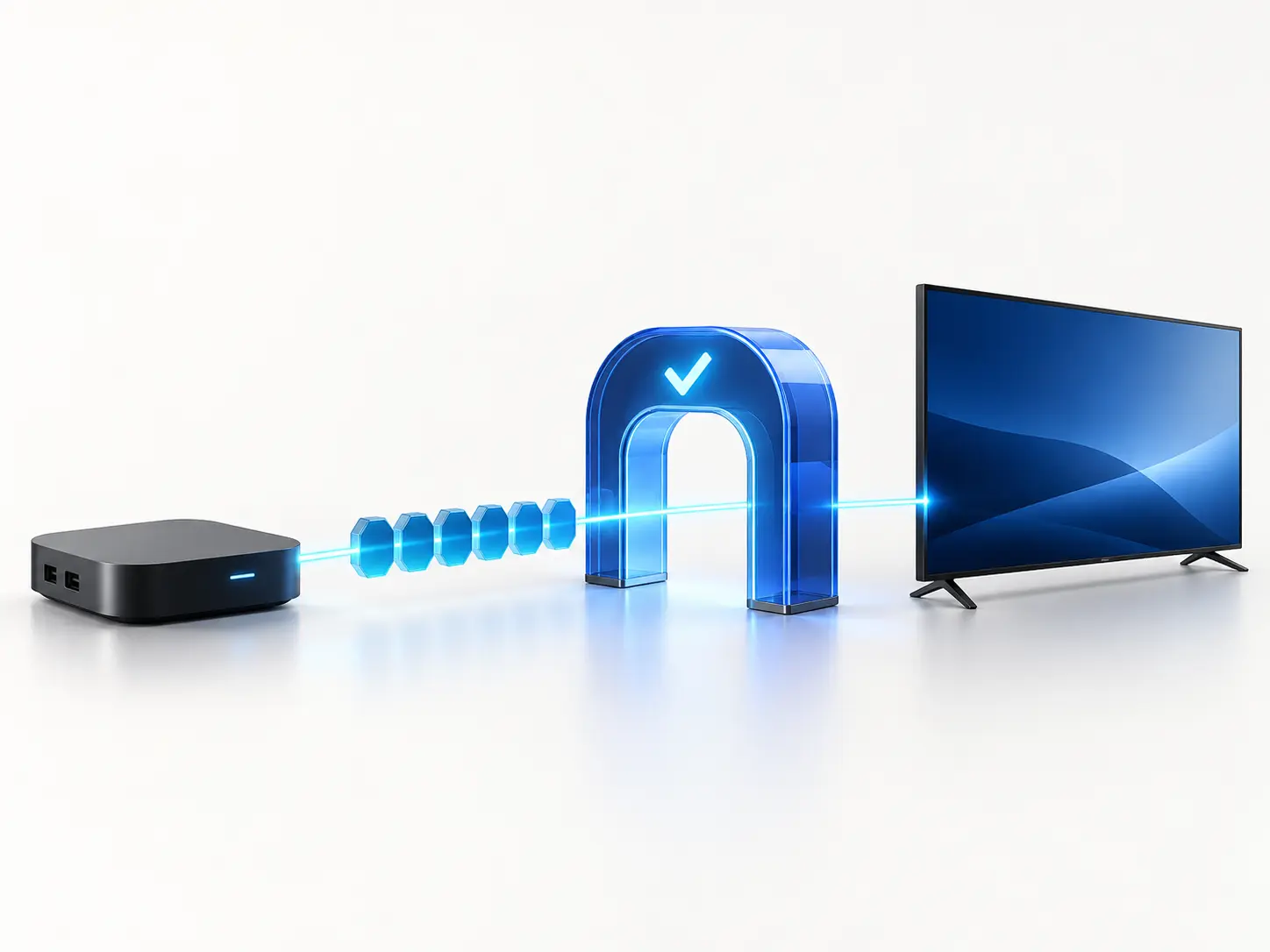
How activation works
Match the Player, MAC and Portal
STBEmu creates the player profile and virtual device identity. Stream4K checks the eligible MAC and supplies the compatible portal address. The active profile must contain both pieces of information.
Profile
Select one STBEmu profile
MAC
Submit its virtual address
Activation
Wait for eligibility review
Portal
Enter the issued URL
A portal URL alone does not activate an unregistered MAC. Changing the profile MAC after activation can cause an authorization error.
Common connection checks
STBEmu Not Working?
Start with the portal URL and registered MAC. Reinstalling the application will not repair an inactive account or a profile that contains the wrong activation details.
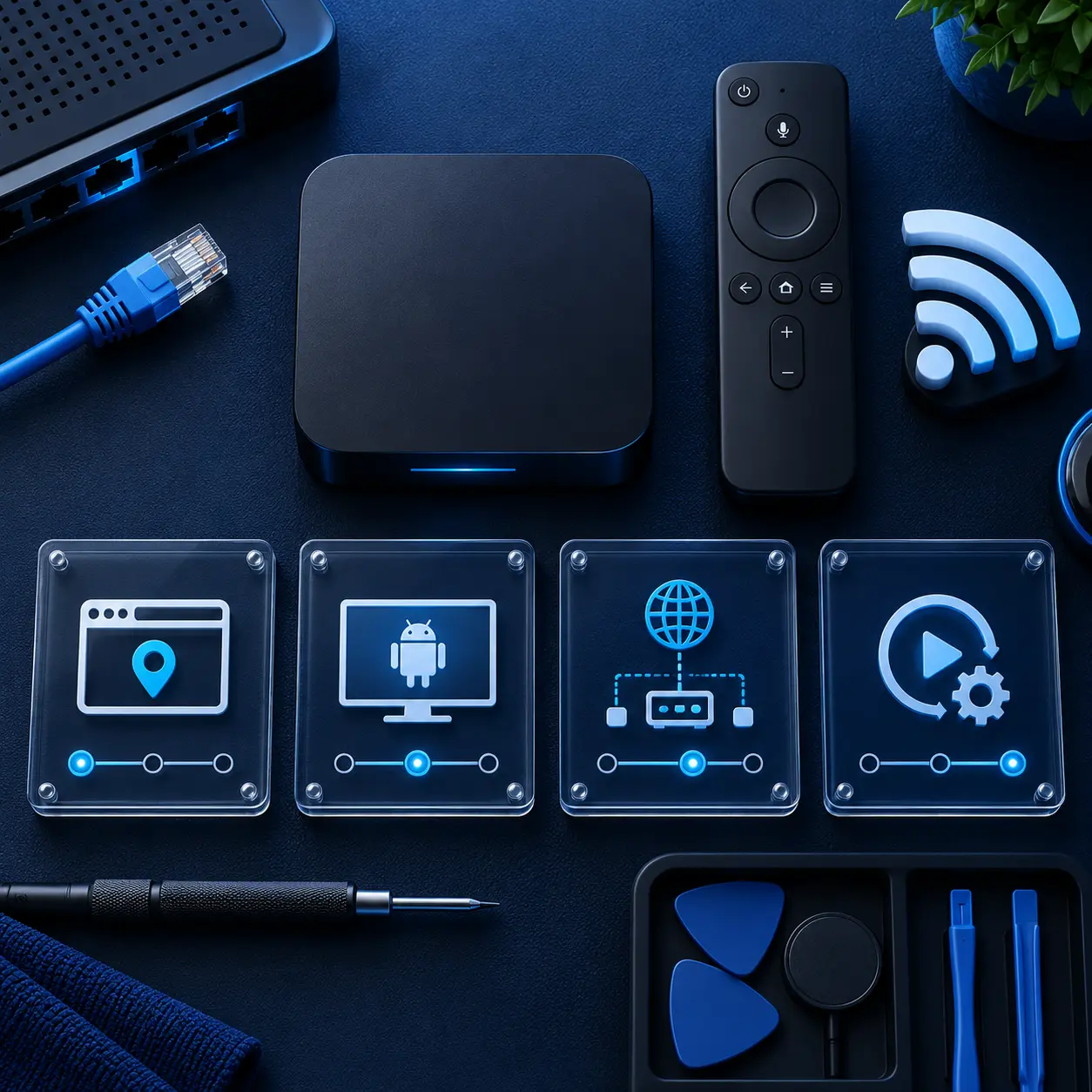
STBEmu portal is not loading
Confirm that the URL is inside the active profile. Check the protocol, domain, port and path. A missing character, added space or redirecting address can stop the portal from loading.
STBEmu shows authorization failed
Compare the virtual MAC shown in the active profile with the address registered for the account. Contact Stream4K support if the profile was reset or the MAC changed after activation.
Black screen after loading the portal
Reload the active portal and test more than one category. If every category remains blank, restart the app and contact support so the account and portal status can be checked.
Channels appear but do not play
Test another category, restart the router and compare Ethernet with 5 GHz Wi-Fi. This separates a single-source problem from a device-wide network or decoding issue.
STBEmu reports a missing-file error
Clear the app cache and check the storage or media permissions offered by that Android version. Do not grant unrelated permissions. Replace an unknown APK with the official edition.
Playback stops or buffers
Close unused background apps, test a wired connection or 5 GHz Wi-Fi, and try another stream. Changing the media player can help with device decoding, but it cannot fix an overloaded local network or an unavailable source.
The live television list does not appear
Clear the application cache and restart STBEmu. If the list still fails, test with network cache disabled under Common Settings, then contact the provider if the portal data remains unavailable.
The account was opened on another device
Close playback on the other device and reload the registered profile. A one-connection account can interrupt or reject simultaneous viewing.
Download and setup questions
STBEmu Pro Frequently Asked Questions
Is STBEmu Pro free?
No. STBEmu Pro is the paid, advertisement-free edition. STBEmu Free is available separately and displays advertisements.
Where should I download STBEmu Pro?
Use the official Google Play listing whenever it is available on your device. Avoid modified or “unlocked” Pro APKs from unknown download sites.
Does STBEmu include channels or a portal?
No. STBEmu is a player and set-top-box emulator. It does not include a television package, Stalker portal subscription or content library.
Can I use Stream4K with STBEmu?
Yes. Stream4K can be configured in a compatible STBEmu profile using the virtual MAC registered for the account and the portal URL supplied after activation.
Does STBEmu support M3U playlists?
No. STBEmu is designed to load compatible web portals rather than M3U or other playlist formats.
Where is the STBEmu MAC address?
Open the profile you intend to use, choose STB Configuration and copy the complete virtual MAC displayed there.
Why is my STBEmu portal not loading?
Common causes include an incorrect portal URL, a different active profile, an unregistered MAC, an inactive account, a network problem or an app-cache issue.
Can one Stream4K subscription run on two STBEmu devices?
A standard Stream4K subscription permits one active device at a time unless another connection is included in the confirmed order.
Is STBEmu Pro better than STBEmu Free?
Both editions use the same primary portal connection method. Pro removes the advertisements displayed by the Free edition.
Can I test Stream4K before purchasing?
Eligible users can request a 48-hour trial for one compatible device, player and MAC address. Approval depends on the submitted setup and MAC eligibility.
48-hour compatibility check
Test Stream4K on STBEmu Before Choosing a Plan
Install STBEmu, locate the profile’s virtual MAC and submit it for review. If the setup is eligible, Stream4K will provide the next activation instructions for the trial.