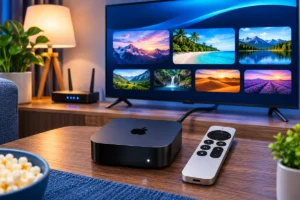
Stream4K works on compatible Android TV and Google TV devices through a suitable player and activated account. Choose CAST4k when your activation provides a profile code, or StbEmu when it provides a Stalker portal URL and MAC address. Installing a player alone does not activate a subscription.
Stream4K portal access is not an M3U playlist or an Xtream Codes login. Match your activation details to the player before configuring the app.
Check your TV and choose the correct login method
Check the operating system in your TV settings or manufacturer specifications. A smart TV label does not establish Android TV compatibility. A television running another system can use an external Android TV or Google TV device through HDMI, with the player installed on that external device.
Both platforms offer apps through Google Play, although their home screens and settings differ. Google explains how apps and content work across the platforms. Check store availability on your actual device.
| Activation details | Setup route | Check before continuing |
| CAST4k profile code | CAST4k profile login | Use the code for your activated account |
| Portal URL and MAC | StbEmu or a confirmed Stalker-compatible player | Match the app MAC to the activation record |
| Xtream server, username and password | A different connection format | Confirm which service was supplied |
| M3U playlist URL | A playlist-based player | Do not enter it as a Stalker portal |
CAST4k is a third-party player. Stream4KPanel supplies subscription and reseller access independently. The CAST4k Google Play listing identifies BigInt Tech as the developer and describes profile-code login. Check that identity rather than installing a similarly named app.
Have your device model, app name and activation details ready. Use the Stream4K free-trial form to request access. The setup is reviewed before activation; submitting the form does not automatically activate an account.
Install and activate CAST4k
Choose this route when your activation instructions provide a CAST4k profile. Its listing describes Live TV, Video Club, Favorites and Continue Watching. Available content depends on the connected profile.
Install on Google TV
- Select Search on the home screen and search for CAST4k.
- Open the matching listing and check the developer.
- Select Install when available for your device.
- Open the app.
Google documents this search-and-install method. You can also browse the Apps tab. Use an adult profile for installation because children’s profiles have different app restrictions.
Install on Android TV
Open Google Play on the TV, search for CAST4k and install the matching app when eligible. The CAST4k download page links to the store and explains alternative installation for supported devices.
A missing store result needs a compatibility check. Confirm the exact model and app source before trying an alternative APK. A file intended for another device is not proof of compatibility with yours.
Connect your profile
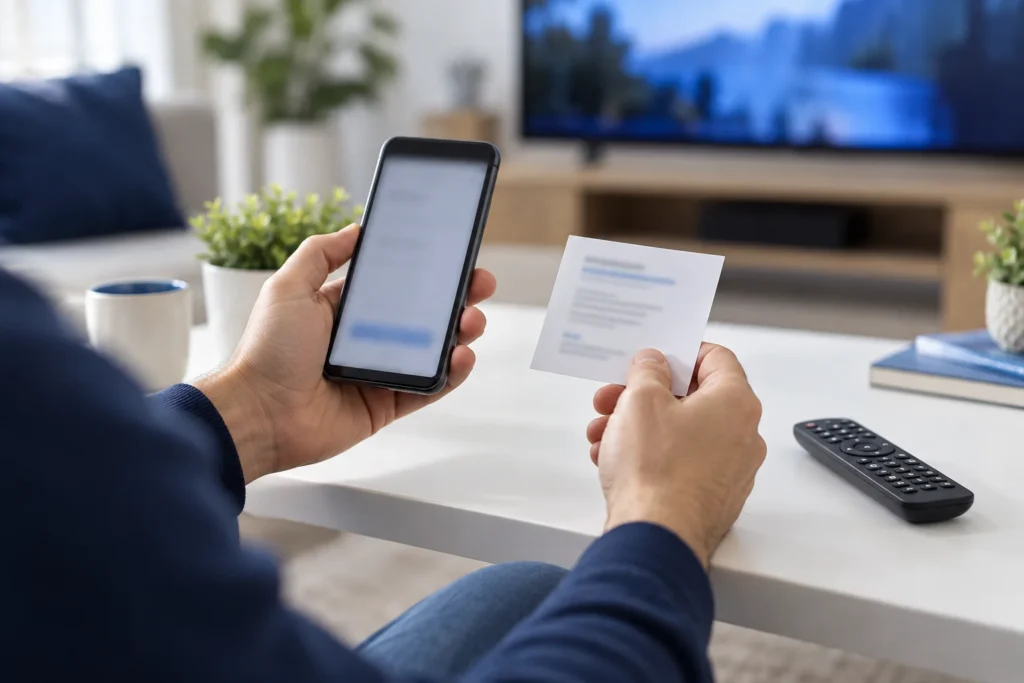
Open CAST4k and follow the profile-login instructions sent with activation. Enter the supplied profile code. If activation requires details shown by the app, send the requested information privately to the team handling your order and return after confirmation.
Screens can change between versions, so follow the controls displayed. A profile code is an account credential, not an APK download code. Keep it out of public screenshots.
Open Live TV and test a channel. Check Video Club if your account includes the content you want. Successful login establishes account access; individual streams still need a playback check.
Set up a StbEmu portal profile
Choose StbEmu when activation provides a Stalker portal and registered MAC. Its developer describes it as an Android set-top-box emulator for Android 7.0 and later. It loads separately supplied portals and does not include a subscription.
Install the correct StbEmu app when available on your TV. Its listing expressly excludes M3U playlist support.
Enter the portal and match the MAC
The developer’s profile documentation identifies these settings:
- Open Settings, then Profiles.
- Edit or create a profile and give it a recognizable name.
- Open Portal settings, then Portal URL. Enter the exact supplied address, including protocol, port and path where present.
- Open STB configuration, then MAC address. Keep the registered value or submit the displayed app MAC for activation as instructed.
- Return to the profile and reopen it after activation is confirmed.
This MAC identifies an emulated device. It is not necessarily the Wi-Fi or Ethernet MAC in the TV network settings. Register the requested player identity; later changes need checking against the activation record.
Avoid experimenting with STB model, serial number or Device ID. Record current values and change them only when activation instructions require it.
Test playback before choosing a plan
Use the trial on the TV, app and connection you plan to keep. Check your must-have channels individually; one working stream does not confirm the whole lineup. Try an included movie or episode, test remote navigation, then reopen the app to check that the profile remains available.
Watch during your usual viewing time. A short daytime check does not establish how the connection behaves during an evening match or while other people use the network. Test the content and conditions that matter to you before buying longer access.
Stream4K allows one active device at a time per connection. Stop playback on another configured device before testing the TV. A second simultaneous screen requires separate connection arrangements.
The Stream4K subscription plans list 10 USDT for one month, 30 USDT for six months and 55 USDT for twelve months, checked on 1 October 2026. Use that page for current prices and payment details before ordering.
A 4K-capable TV or app does not make every stream 4K. Picture quality depends on the supplied stream, playback hardware, player, display settings and connection. Judge the channels you intend to watch rather than the resolution in a product name.
Fix Stream4K setup and playback problems
Identify whether failure happens before login, after the channel list appears, or during playback. These are different problems.
Profile rejected, authorization error or portal not loading
For CAST4k, compare the profile code with the activation message. For StbEmu, check the complete portal URL and app MAC against the registered details. Confirm that access is activated and has not expired.
Check whether other internet apps open on the same TV. Report the exact error and whether any channel list appeared. Reinstalling a player does not correct an inactive account or a mismatched activation record.
Channels load, but video is black or has no sound
Try another channel first. Failure limited to one stream needs a different investigation from failure across everything you play.
For StbEmu, documented profile player options include Exo and VLC. Try one alternative and retest the same stream; record which produces picture and sound. Leave unrelated portal settings unchanged.
Playback buffers repeatedly
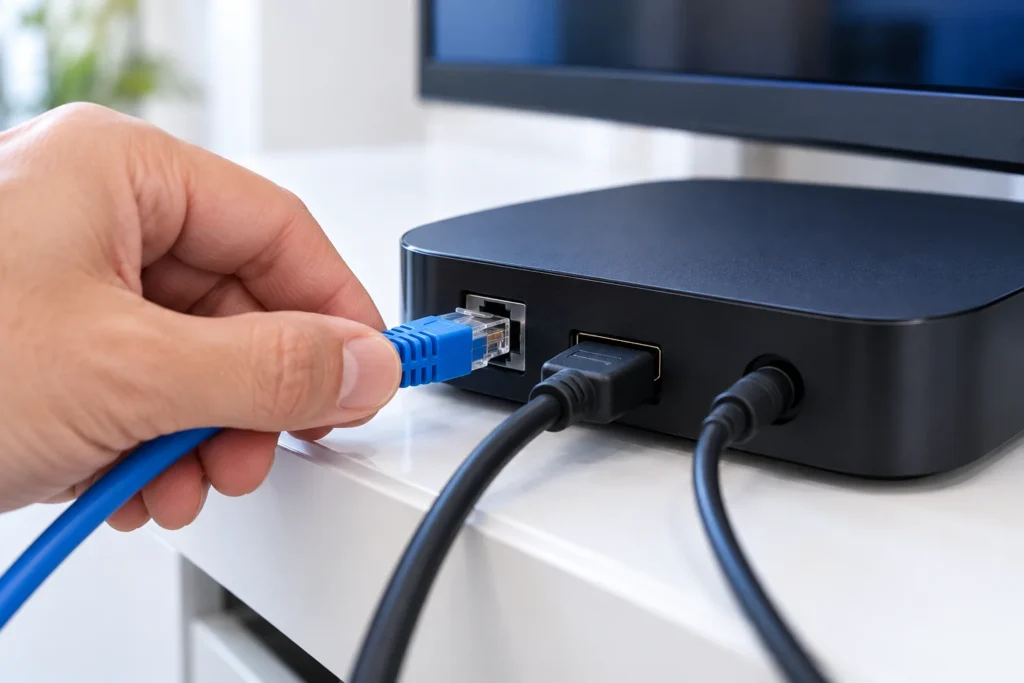
Compare several streams, then another video app on the same device. If several apps struggle, investigate the local connection before changing account details. Compare Wi-Fi with Ethernet where supported, or move the device nearer the router. Pause large downloads and retest.
A speed test alone cannot identify every cause of interruptions. Note whether the issue affects one channel, all Stream4K streams, or several apps. This comparison helps narrow the next check without assuming that the router or service is responsible.
The app crashes or the TV responds slowly
Update the player from its installation source. On Google TV, use Settings → Apps, select the player, then Force stop → OK before reopening it. Google includes these steps in its app-crash guidance.
For device-wide lag, restart through Settings → System → Restart and check for updates under Settings → System → About → System update. Android TV manufacturers can use different menu labels. Google’s slow-device guidance also explains closing background apps and updating software.
Save profile details privately before clearing app data or reinstalling. For an unresolved problem, send the device model, OS version, app version, exact error and an affected channel or title to support. Include whether another app works and whether the failure occurs on Wi-Fi, Ethernet or both.
Conclusion
Start with the activation format. Use CAST4k for a supplied CAST4k profile, or configure StbEmu with the exact portal and registered app MAC. Install on the playback device, then test login, remote navigation and your must-have streams before choosing a longer plan.
For a new setup, request a 48-hour Stream4K trial with your device and app details. Keep the working profile unchanged while testing so you have a useful baseline if playback later needs troubleshooting.