
Download StbEmu Pro APK & The Ultimate Setup Guide (2026)
Turn any Android device or Firestick into a high-powered MAG box. Download the StbEmu APK, get your virtual MAC address, and connect to a premium IPTV portal for instant, buffer-free streaming.
Choose Your StbEmu APK Download
StbEmu (Free Version)
The standard version of the app. It contains the exact same functionality and Stalker portal compatibility, but displays on-screen ads during navigation. Ideal for those looking for a quick stbemu free download to test their setup.
| Version | v2.0.21.00 |
|---|---|
| Size | 9.9 MB |
| Requires | Android 8.0+ |
StbEmu Pro (No Ads)
The premium version. Highly recommended for a seamless, TV-like experience without intrusive popup ads. This is the ultimate stbemu pro apk download for Firestick and Android TV boxes.
| Version | v2.0.21.00 |
|---|---|
| Size | 140 MB |
| Requires | Android 8.0+ |
You Have the App. Now You Need the Content
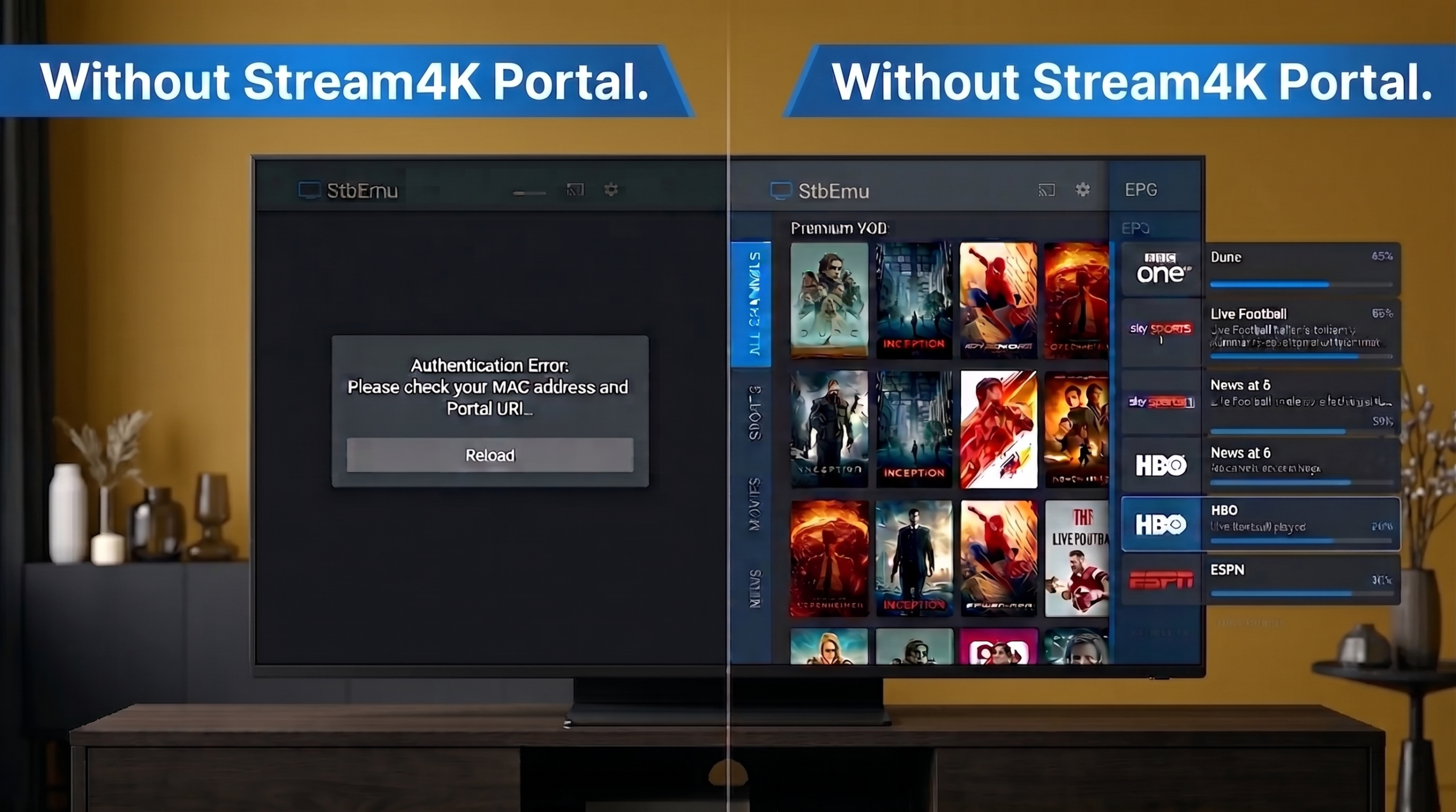
StbEmu is just a media player—it does not include any live channels or movies by default. To watch TV, you need to connect it to a premium Stalker portal.
While many users waste time searching the internet for free stbemu iptv codes (which buffer constantly and expire within hours), smart streamers use a dedicated service. As one of the leading stbemu iptv providers, Stream4K gives you a direct, high-speed portal URL to unlock 4K Live TV, sports, and VOD seamlessly within the app.
How to Set Up StbEmu & Find Your MAC Address
1. Install the App
Download the APK directly from our links above or use the Downloader app on Firestick.
2. Find Your MAC Address
Go to Settings > Profiles > STB Configuration. Write down your stbemu mac address (starts with 00:1A:79).
3. Get Your Portal URL
Don't use buffering free codes. Enter your premium Stream4K stbemu portal URL to unlock 4K TV.
4. Reload and Stream
Return to the main menu and select 'Reload Portal'. Enjoy instant access to Live TV and VOD!
Frequently Asked Questions & Troubleshooting
How do I fix the "StbEmu Missing File" error?
This is a common error on Android TV boxes when the app lacks storage permissions. To fix it, go to your device’s main Settings > Apps > StbEmu > Permissions and ensure “Storage” is set to Allow. If the error persists, clear the app cache and reload the portal.
Why is my StbEmu portal not loading?
If your portal is stuck on a loading screen or shows an authentication error, there are two likely reasons:
You entered the wrong stbemu mac address on your provider’s dashboard.
You are using unreliable, free stbemu codes that have expired. To guarantee a connection, upgrade to a stable, premium service like Stream4K.
What are the best StbEmu settings for no buffering?
For the smoothest playback on a Firestick or Android box, open the app menu and go to Settings > Media Player. Change the default player from “Auto” or “IJK” to EXO Player or LJK. This utilizes hardware acceleration and drastically reduces buffering on high-quality 4K streams.
Is StbEmu Pro better than the Free version?
Yes. While both versions connect to your Stalker portal exactly the same way, the free version includes intrusive on-screen ads that pop up while you are browsing channels. The Pro version is completely ad-free and offers a much more authentic, cable-box-like experience.