01
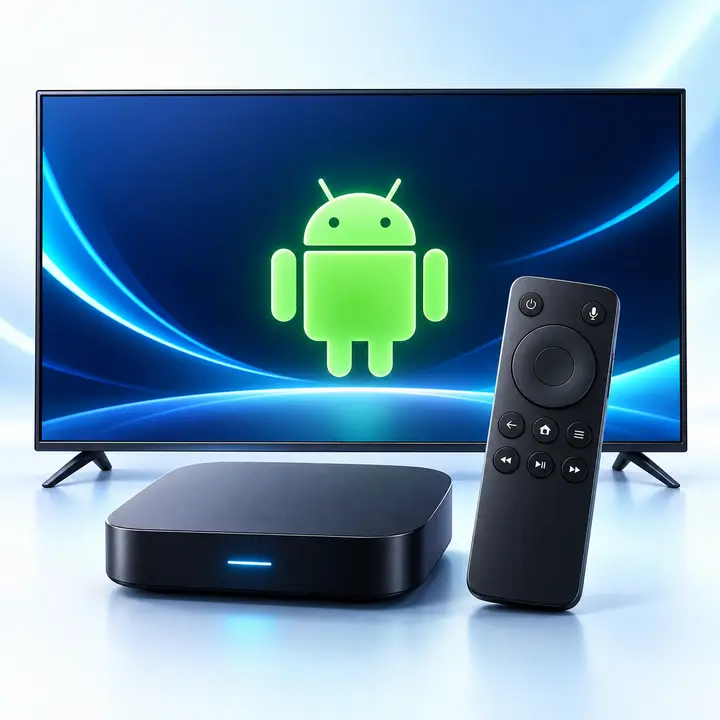
Android & Android TV
Open the CAST4K Google Play listing on a compatible phone, tablet, television or TV box.
Open Google Play
CAST4K MEDIA PLAYER
Install the free CAST4K media player on a supported device, then connect an activated Stream4K profile to access your account.
CAST4K is a third-party media player. It does not include channels, movies or a Stream4K subscription.
CHOOSE YOUR DEVICE
Use the store listing that matches your device. Fire TV users can open the Downloader section for the installation code.
Open the CAST4K Google Play listing on a compatible phone, tablet, television or TV box.
Open Google Play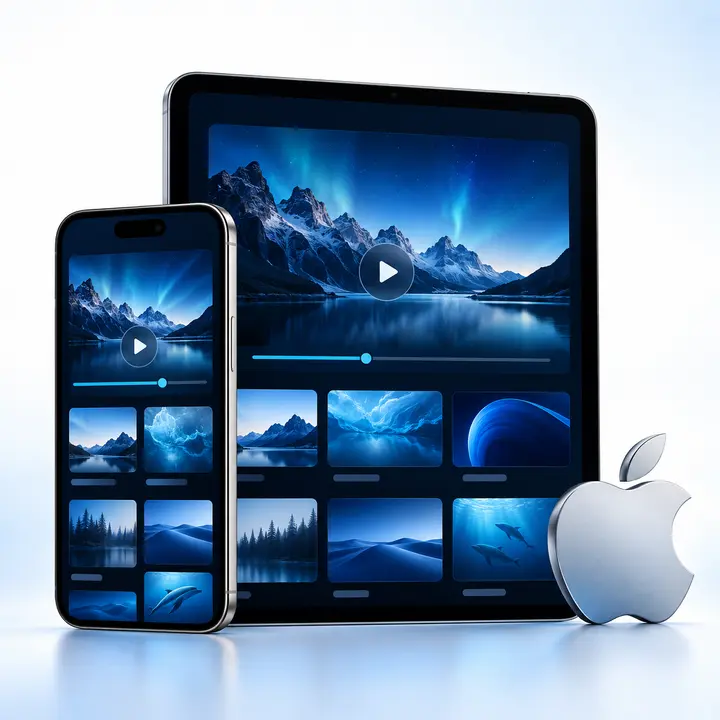
Install the free CAST4K media player from Apple’s verified App Store listing.
Open the App Store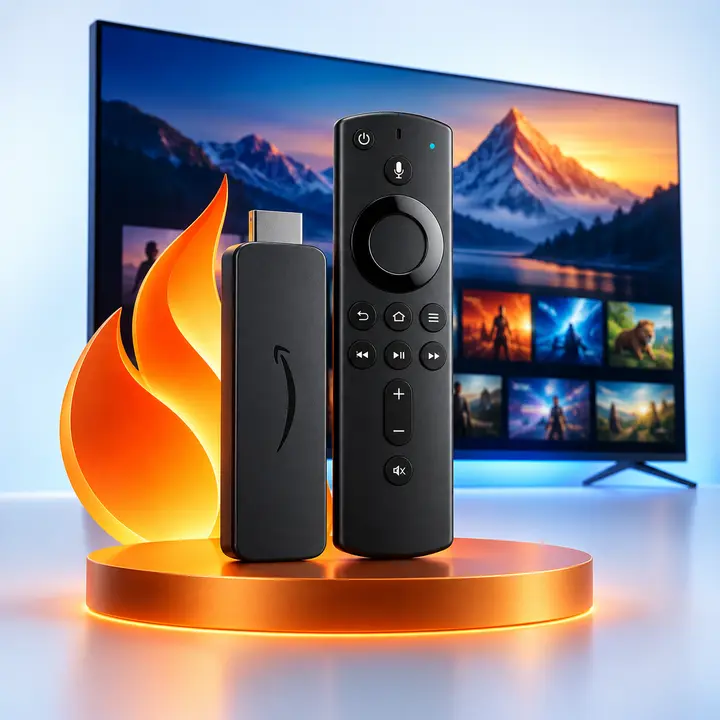
Use the Downloader app and enter the CAST4K installation code shown below.
View Downloader stepsFIRE TV & ANDROID TV
Enter the code in Downloader’s URL or search field. Review the installation prompt before approving it.
WHAT YOU NEED
The app supplies the player interface. Your separately activated profile supplies account access.
FREE MEDIA PLAYER
ACTIVATED ACCESS

PROFILE SETUP
Keep the application open while checking its device or profile details. The exact screen can vary by app version.
Use the appropriate store listing or Downloader method.
Locate the profile code or device details displayed by the app.
Submit the requested device details with your Stream4K order.
Return to CAST4K after activation has been confirmed.
PLAYER FUNCTIONS
These functions are described in the CAST4K Google Play and Apple App Store listings. Availability can change with later app updates.
Move between live viewing, movies and series from the main interface.
Keep frequently used items together.
Resume supported content from its saved position.
Share supported profile details between devices.
Switch or manage profiles from the application.
Use available subtitle controls, radio navigation and account settings where supported by the selected profile.
COMPATIBILITY
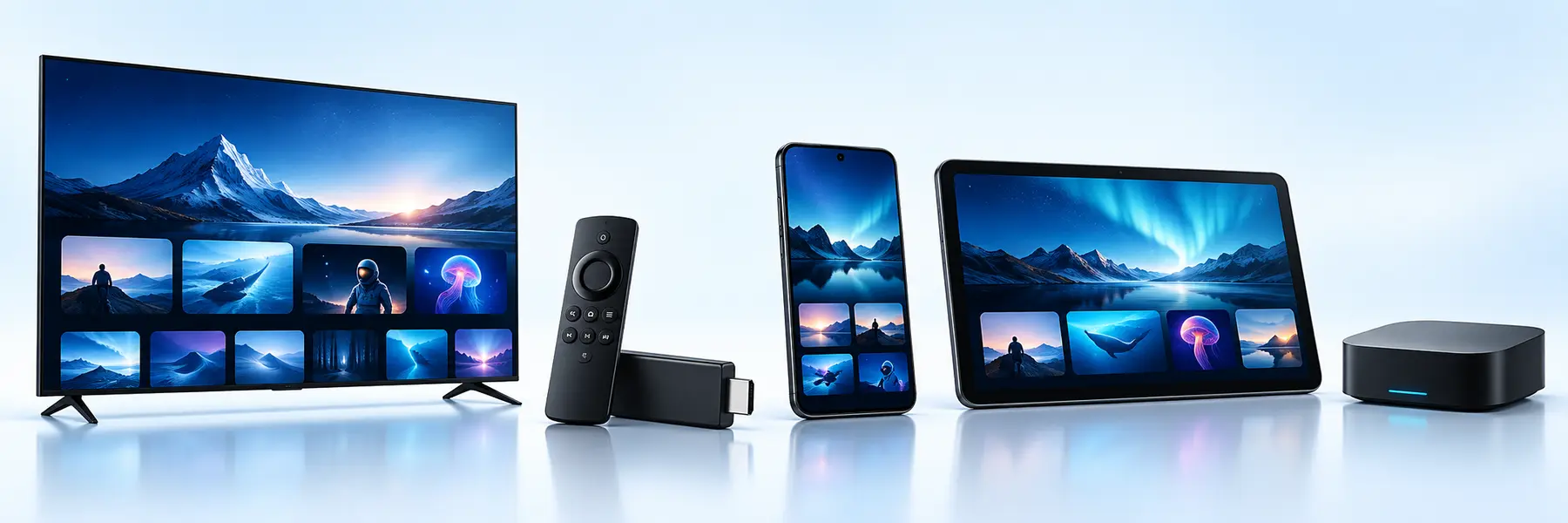
CAST4K has verified listings for Android devices, Android TV, iPhone and iPad. Fire TV installation uses Downloader. Samsung Tizen and LG webOS do not have confirmed native CAST4K listings.
STREAM4K ACCESS
Choose a Stream4K trial or subscription after confirming that your device and player are compatible.
QUICK CHECKS
Check the device, application and profile separately. Reinstalling the app will not correct an inactive profile.
Verify that the operating system supports the current CAST4K listing.
Use the same store used for installation, then restart the device.
Confirm that the submitted profile code or device details are exact.
Restart the router and compare Wi-Fi with a wired connection where possible.
CAST4K FAQ
Short answers about downloading the player, supported devices and connecting Stream4K access.
CAST4K is a media-player application. It organizes content supplied through a valid profile, but it does not include channels, movies, series or a subscription.
The verified Google Play and Apple App Store listings offer CAST4K as a free download. A Stream4K profile is requested separately.
The installation code shown on this page is 5631701. Enter it in the Downloader app on a compatible Fire TV or Android TV device.
Fire TV users can use the Downloader method shown above. Review every installation prompt and only continue when the displayed application and source match what you intended to install.
CAST4K does not currently have confirmed native listings for Samsung Tizen or LG webOS. A compatible external Android TV or Fire TV device may be used instead.
No. CAST4K is a media-player application. Chromecast and Google Cast are Google technologies used to send or mirror supported media to another screen.
Install CAST4K, open its profile or device-information screen, and submit the requested details with your Stream4K activation request. Return to the app after activation is confirmed.
No. Stream4KPanel is an independent subscription and reseller-access provider. CAST4K is a third-party player offered through its own app-store listings.
READY TO CONTINUE?